Create more consistent images for product pages, variants and collection updates.
Real product test
From the original photo to a transparent PNG
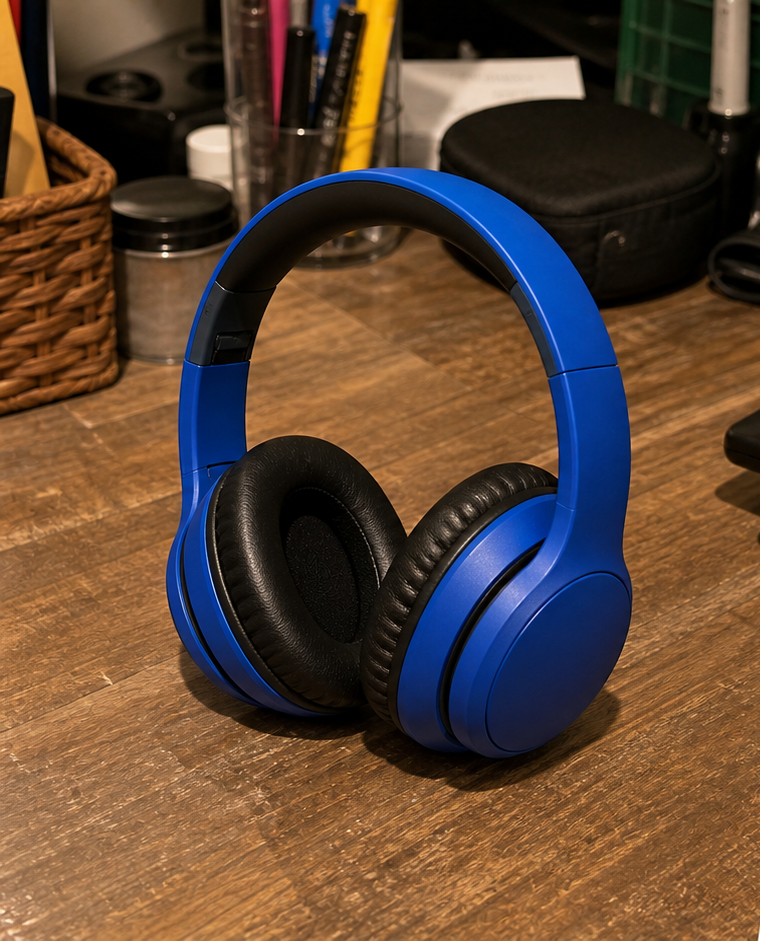
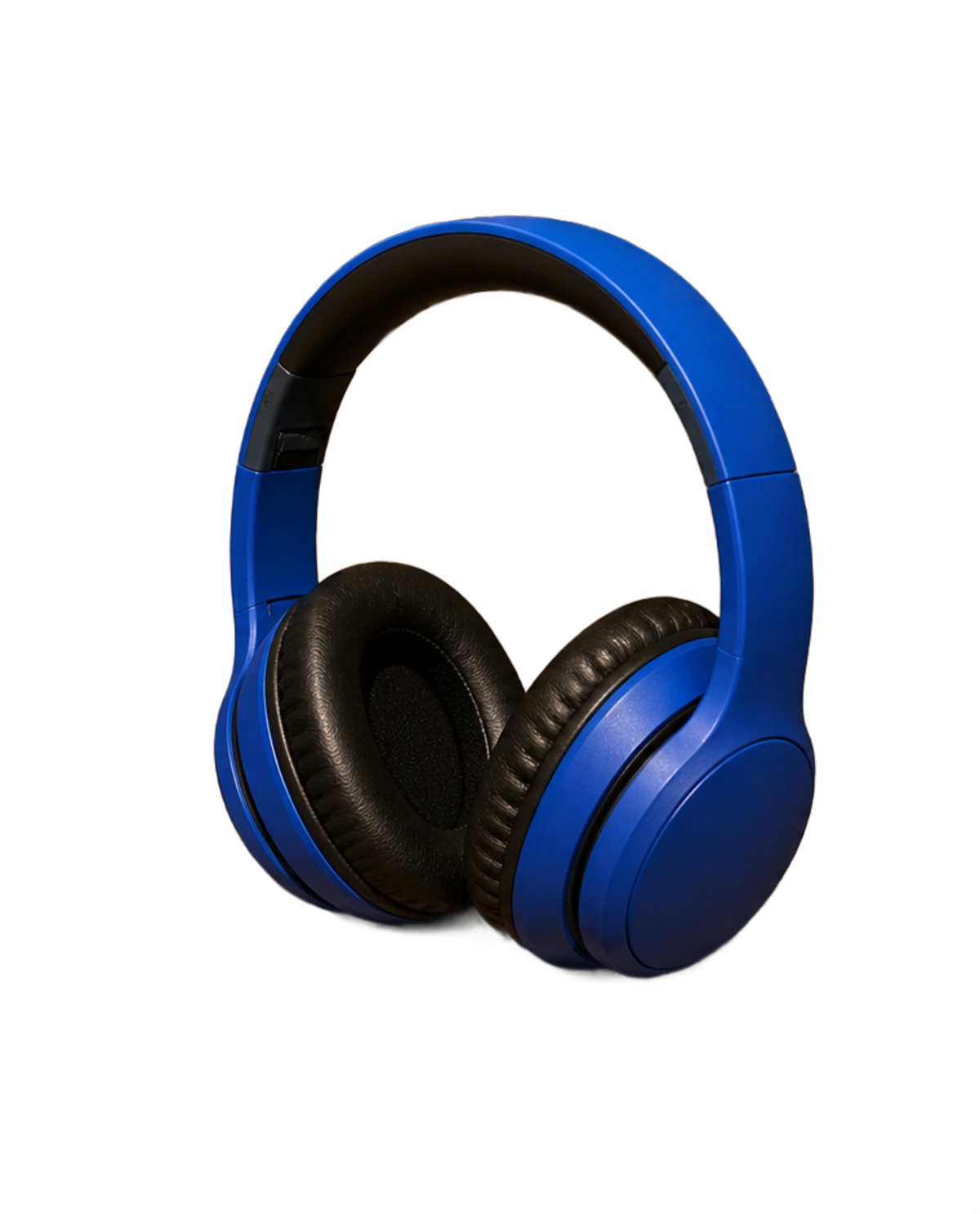
This is the same photo before and after it was processed in BatchCutout. The file on the right is the transparent PNG downloaded from the tool.
Original photo
Downloaded PNG
Recorded workflow
Watch the processing happen
The recording shows the real page: selecting the photo, removing the background, previewing the result, and downloading the PNG. There is no animated scan line or simulated swap between two finished images. Idle periods were removed and the remaining waiting sections were accelerated 2x.
- One photo from upload through download.
- Processing runs in the browser.
- The result is available as a transparent PNG.
What was validated
A reusable product cutout
The desk background was removed and the product was isolated. The PNG can be placed on white, on a brand color, or inside a marketplace composition.
- Test 2 of your own images without an account or card.
- Inspect the edges and openings inside the product.
- Buy credits only after validating the result.
Prepare transparent PNGs for channel-specific backgrounds, banners and listing assets.
Download one ZIP when the processed batch needs to be reviewed, delivered or uploaded.
The input photo, downloaded PNG, and workflow recording are all published on this page.
Decisive test
Check quality with your own product photos
The example proves the workflow, but the most reliable test is to use two products that represent your catalog. No account or card is required.