Standardize mixed product images before they enter a store catalog, marketplace feed, or upload queue.
For catalog and SKU updates
Clean product catalog photos in batches before upload
BatchCutout helps ecommerce teams remove backgrounds from supplier images, SKU updates, and variant photos, then export transparent PNGs or one ZIP for catalog work.
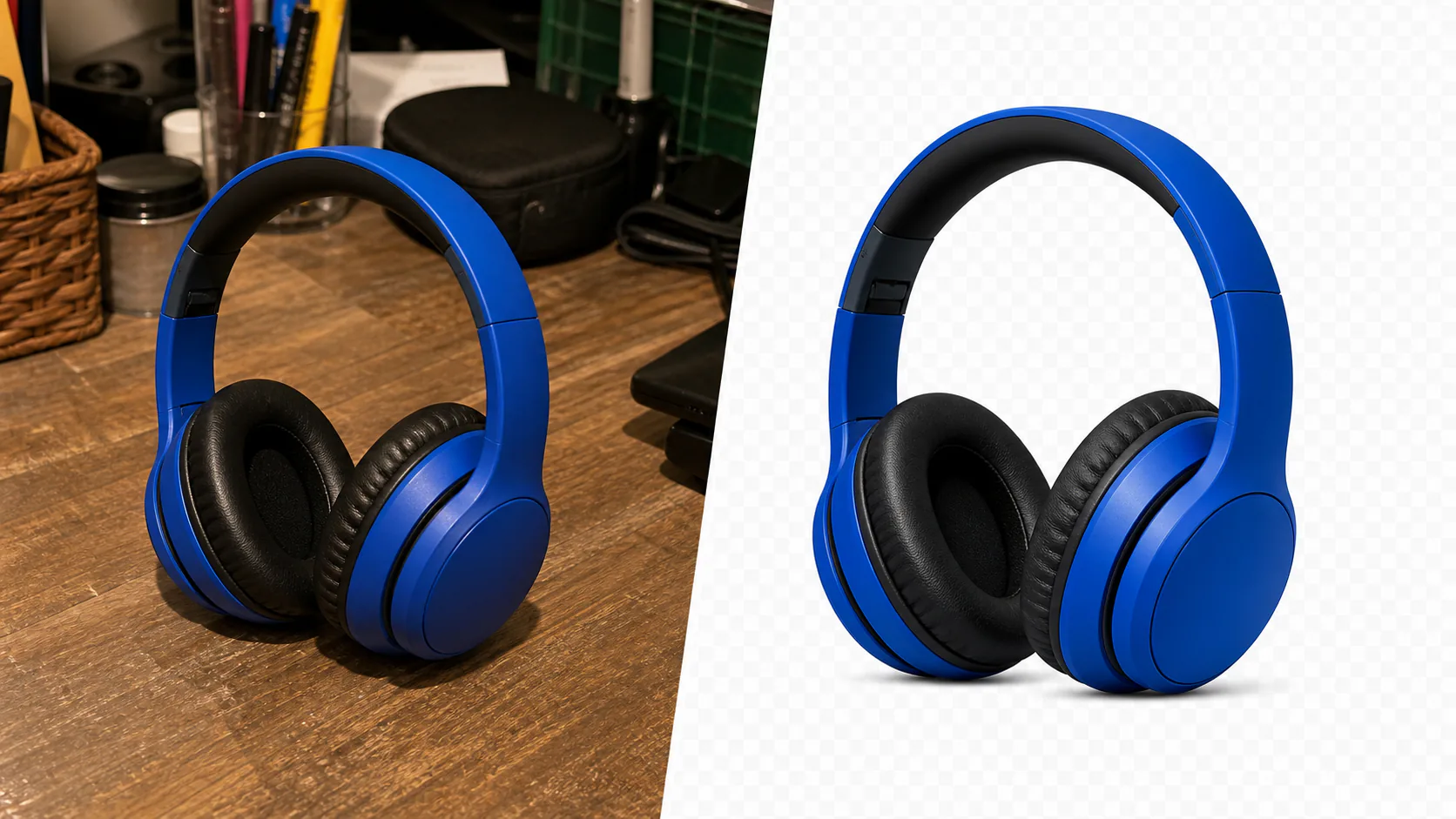
Catalog work
Built for repeated product image cleanup
Process groups of sizes, colors, bundles, or seasonal products without editing every image by hand.
Download one organized ZIP when another person handles upload, QA, client review, or archive.
Production flow
From raw catalog photos to transparent PNGs
Collect catalog images from suppliers, photographers, or older listings.
Run the batch in the browser. Images are not uploaded to BatchCutout servers.
Use individual transparent PNGs or one ZIP for ecommerce, marketplace, or catalog upload work.
When Pro makes sense
Catalog cleanup is usually a batch problem
The free tool is enough to validate 2 images. Pro is for real catalog batches.
Pack 100 covers up to 100 images; Pro covers up to 2,000 images per month for recurring work.
Start at EUR 5 while the 100 image pack is available, or choose annual Pro for recurring production work.
Catalog batch ready
Test with real product images before paying
Try 2 catalog images first. If the cutouts are good enough for your workflow, buy Pack 100 for a larger batch and ZIP export.
EUR 5
100 image pack for ecommerce teams cleaning product catalogs repeatedly.
Start 100 image packRelated workflows
More ecommerce background removal pages
General ecommerce product photo cleanup for listings and ads.
A broader ecommerce workflow for store and marketplace teams.
Recurring client batches, ZIP handoff, and assistant workflows.
Clean new arrivals, variants, and category images for WooCommerce stores.